Just received your hardware?
Install Cap Control in 5 steps
Prepare the gateway (step 1), plug it in, power it on and connect it (step 2), then place, check and mount the sensors (steps 3–5).
1
Get started
Credentials received by e-mail, first login, permissions.
2
Set up the hardware
Power, temporary placement, signal check, mounting.
Using the web app
1
Dashboard
KPIs, fleet, quick actions.
2
My sensors
Sheets, HACCP, editing.
3
Charts / Readings
Period, graph, exports.
4
Alert history
Filters, statuses, incident sheet.
5
Reports
Daily traceability PDFs.
6
Notifications
E-mails, SMS, cutoff delay.
How it works
From the probe to the dashboard, in four steps.
Sensor
Measures Temperature in the unit, sent over Bluetooth.Gateway
Collects Receives the readings and forwards them over the internet.Platform
Compares Against the set thresholds and triggers alerts.Web app
Consultation Dashboard, charts, alerts, reports.Two types of alerts
| Situation | What it means |
|---|---|
| Threshold exceeded | The temperature is out of the min / max limits for longer than the alert delay. |
| Reporting lost | A sensor or the gateway stops transmitting. The missing reading is flagged. |
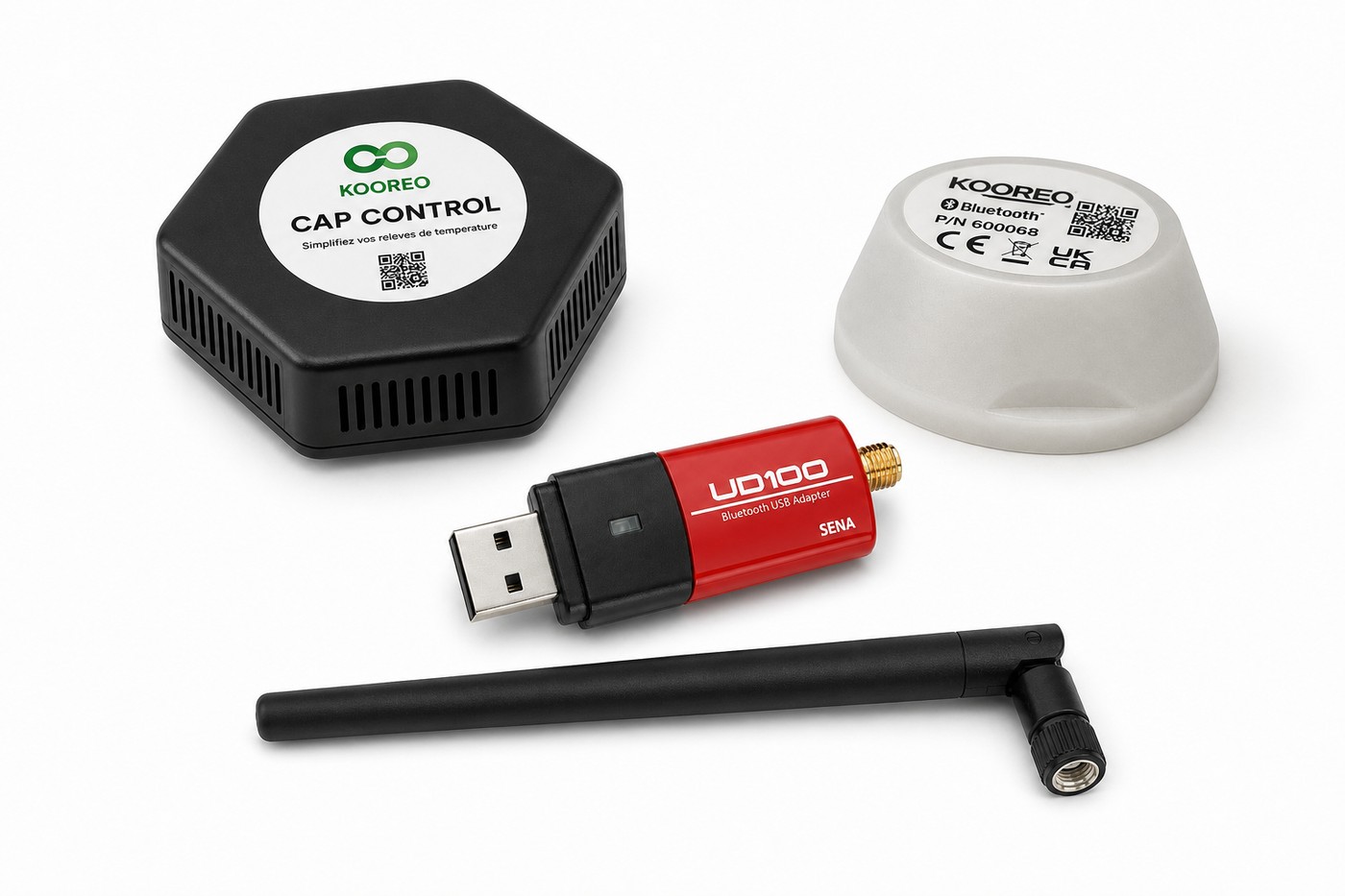
Hardware provided
 CAP CONTROL gateway
 Temperature sensor
 Bluetooth USB dongle
 Long-range antenna
 Mounting base
 Adhesive film