Alerts and notifications (mobile)
App settings
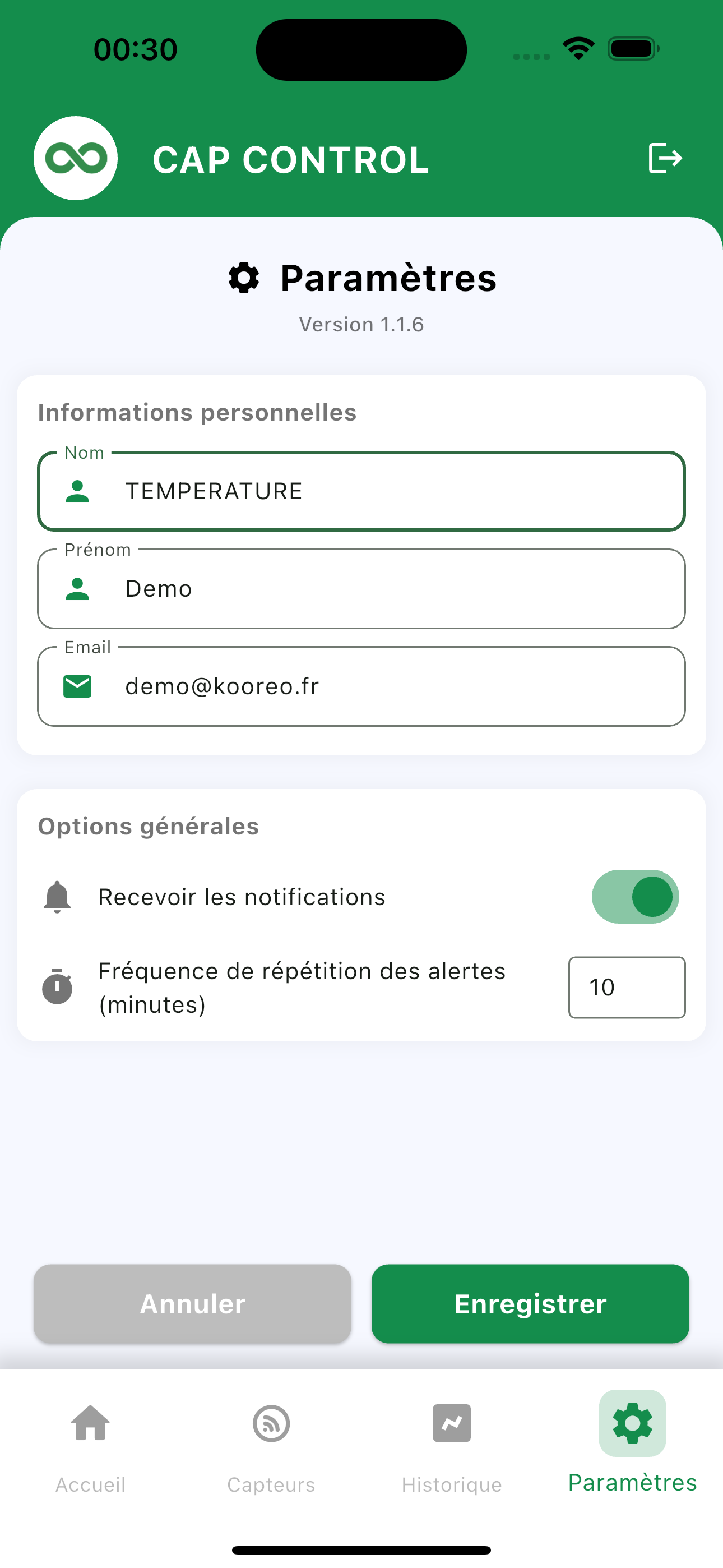
Settings tab: account details, then General options.
- Receive notifications: turns app push on.
- Alert repeat frequency: minutes between reminders while the alert is still open.
Save to apply. Cancel closes without changes.
Push notifications
- Allow notifications for Cap Control in the phone settings.
- Stay signed in with the account that should be notified.
- On an alert, a notification appears. Tap it to open the details.
Email / SMS / call channels are set on the web app. Mobile push adds to those channels; it does not replace them.
Acknowledge from the phone
- Notification: open the alert, note the sensor and temperature.
- On-call call: pick up and press 1 (see Acknowledge a call). The spoken message also invites you to open the app.
The alert history remains available on the web, including for export or an HACCP action plan.